Homey
What is Homey?
Homey is a universal smart-home control center that brings together devices from various brands and wireless standards (such as Zigbee, Z-Wave, or Wi-Fi) in a single app. With Homey, you can create cross-brand automations (flows) and control your entire home intelligently and centrally.
What can the MIYO Homey App do?
With our MIYO App for Homey, you can use the most important information and functions of your watering system directly in Homey. These include:
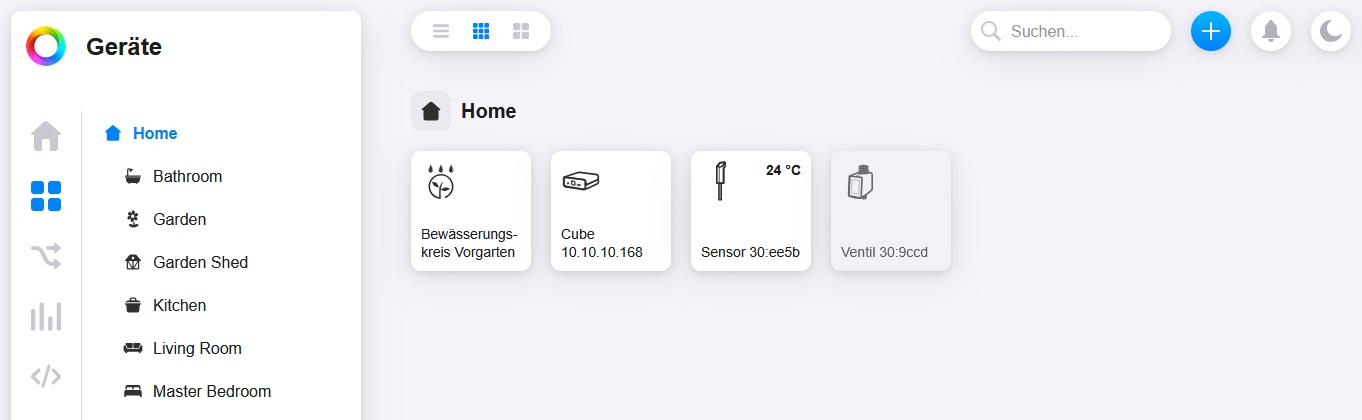
- Display of the status of all sensors (e.g., soil moisture)
- Display of the status of your valves
- Starting manual waterings directly from Homey
This way, you can seamlessly integrate your garden into your existing smart home automation.
Currently, the MIYO App for Homey only supports local Homey installations (Pro, Pro mini, Self-Hosted).
Installation
The MIYO app for Homey can be easily downloaded from the Homey App Store.
Setup
First, connect your MIYO Cube with the Homey App. Afterwards, you can link the individual devices of the Cube with Homey.


Irrigation Control
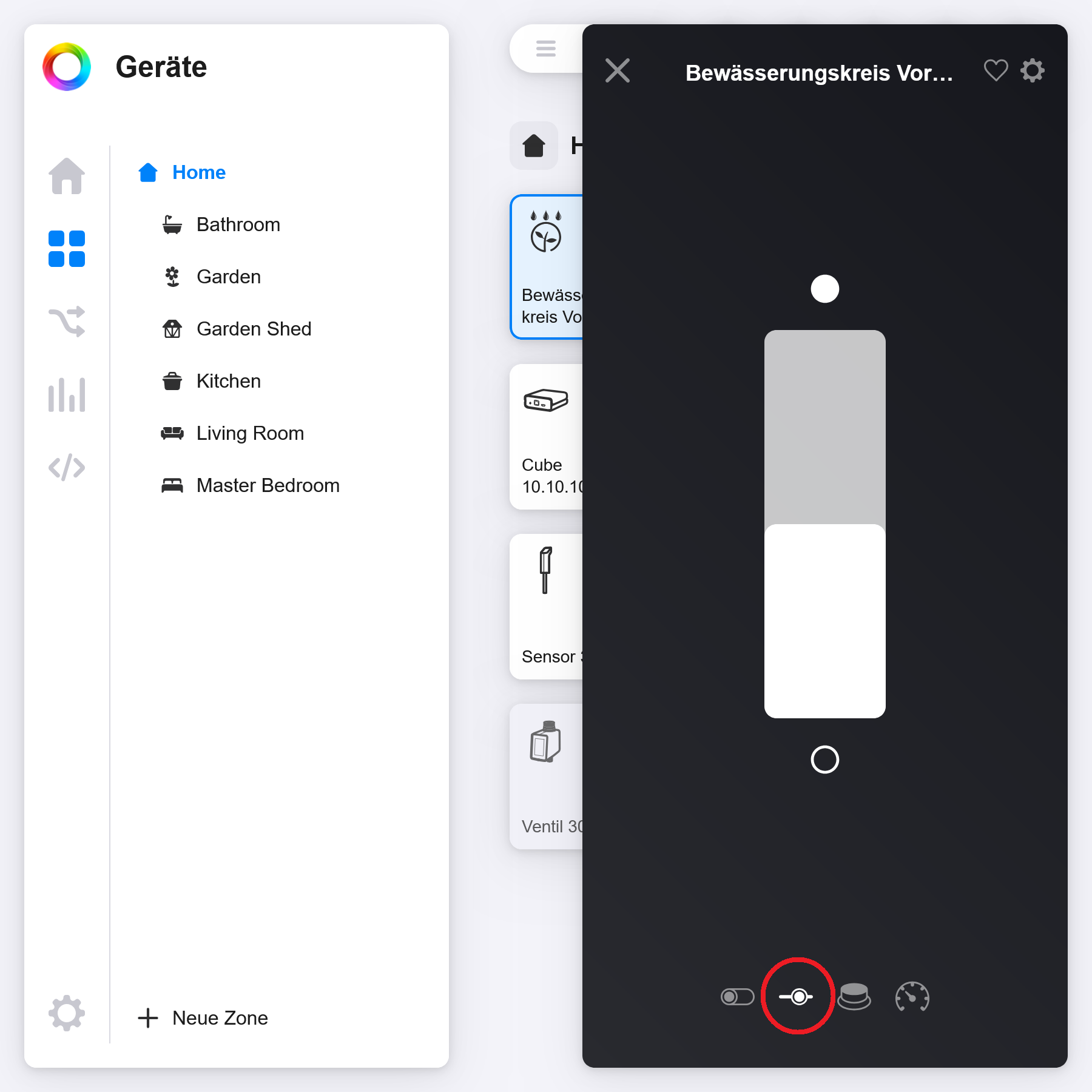
To start manual irrigation via the Homey app, an irrigation duration must first be set for the irrigation circuit. This setting can be found by clicking on the irrigation circuit and the slider icon. The setting is made in minutes.